Getting Started
Installation
Section titled “Installation”-
Install the Core Library
Provides the essential types needed for domain modeling and use case implementation (Value Object, Entity,
Fin<T>, CQRS interfaces). Required for all projects.Terminal window dotnet add package Functorium -
Install Source Generators
Provides the
[GenerateObservablePort],[GenerateEntityId], andCtxEnricherGeneratorsource generators. Add to your Adapter project.Terminal window dotnet add package Functorium.SourceGenerators -
Install Testing Utilities
Provides testing utilities including architecture rule validation and structured log testing. Add to your test project.
Terminal window dotnet add package Functorium.Testing
Creating Your First Value Object
Section titled “Creating Your First Value Object”The first thing to try after installing Functorium is an Always-valid Value Object. The following is a minimal implementation of a Value Object representing an email address.
public sealed partial class Email : SimpleValueObject<string>{    public const int MaxLength = 320;
    private Email(string value) : base(value) { }
    public static Fin<Email> Create(string? value) =>        CreateFromValidation(Validate(value), v => new Email(v));
    public static Validation<Error, string> Validate(string? value) =>        ValidationRules<Email>            .NotNull(value)            .ThenNotEmpty()            .ThenNormalize(v => v.Trim().ToLowerInvariant())            .ThenMaxLength(MaxLength);}
The Create method returns Fin<Email>. For valid input, an Email instance is returned; for invalid input, a structured error code (such as Domain.Email.Empty) is returned. No exceptions are thrown.
For detailed Value Object implementation patterns, see the Value Objects Guide.
Tutorials
Section titled “Tutorials”Learn Functorium’s core concepts through step-by-step hands-on exercises.
| Tutorial | Topic | Exercises |
|---|---|---|
| Functional Value Object Implementation | Value Object, validation, immutability | 29 |
| Specification Pattern | Specification, Expression Tree | 18 |
| CQRS Repository Pattern | CQRS, Repository, Query Adapter | 22 |
| Usecase Pipeline Constraints | Generic variance, IFinResponse, Pipeline constraints | 20 |
| Architecture Rule Testing | Architecture rules, ClassValidator | 16 |
| Source Generator Observability | Source Generator, Observable wrapper | — |
| Release Note Automation | AI automation, release notes | — |
Observability
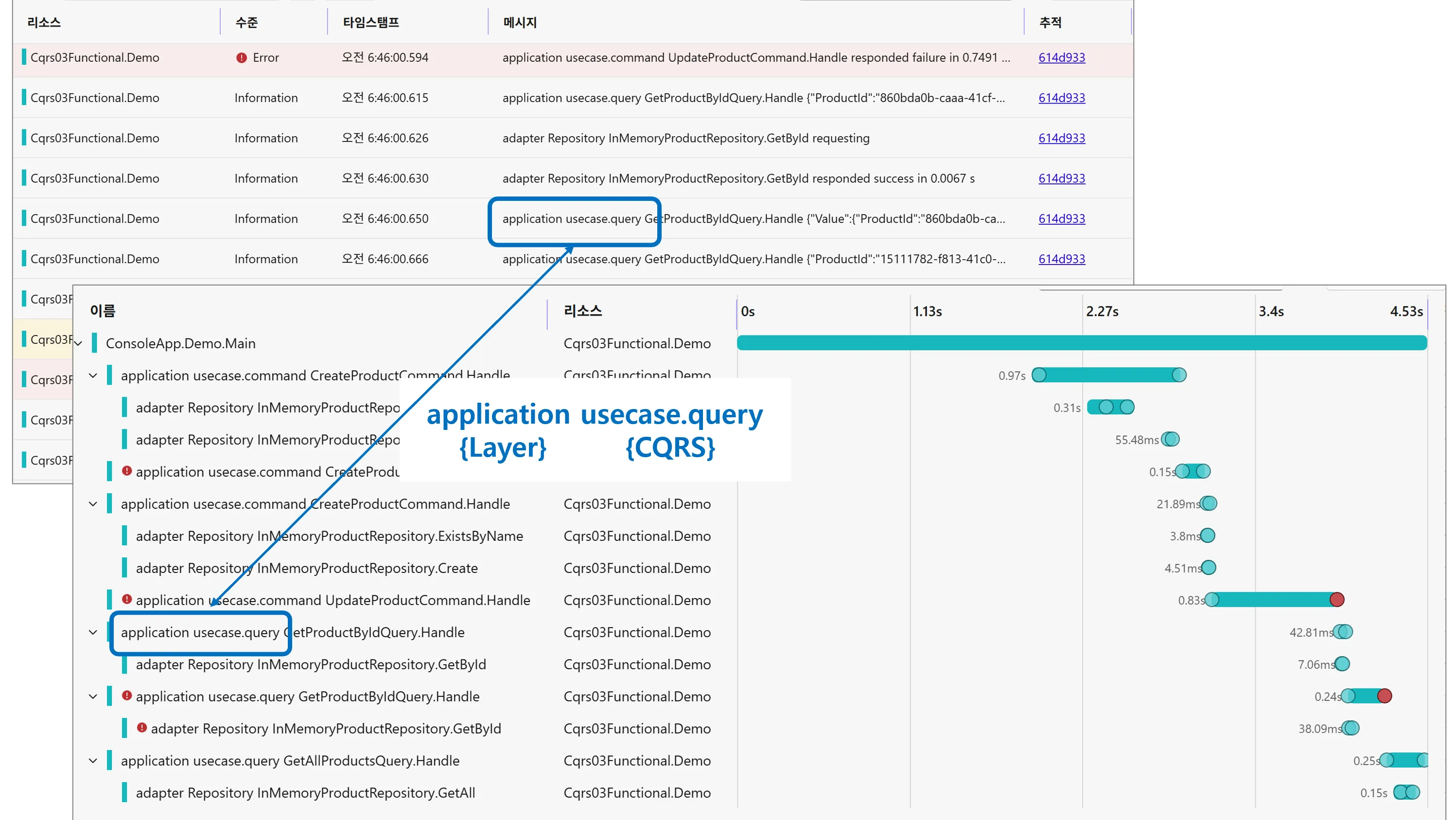
Section titled “Observability”Functorium provides OpenTelemetry-based 3-Pillar observability (Logging, Metrics, Tracing).
All observability fields use snake_case + dot notation for consistency with OpenTelemetry semantic conventions.
The Command Pipeline (7 stages) and Query Pipeline (8 stages) automatically apply instrumentation to all use cases, and the CtxEnricher Source Generator automatically propagates business context (ctx.* fields) to Logging and Tracing.
Learning Path
Section titled “Learning Path”Here is a recommended learning path for making the most of Functorium.